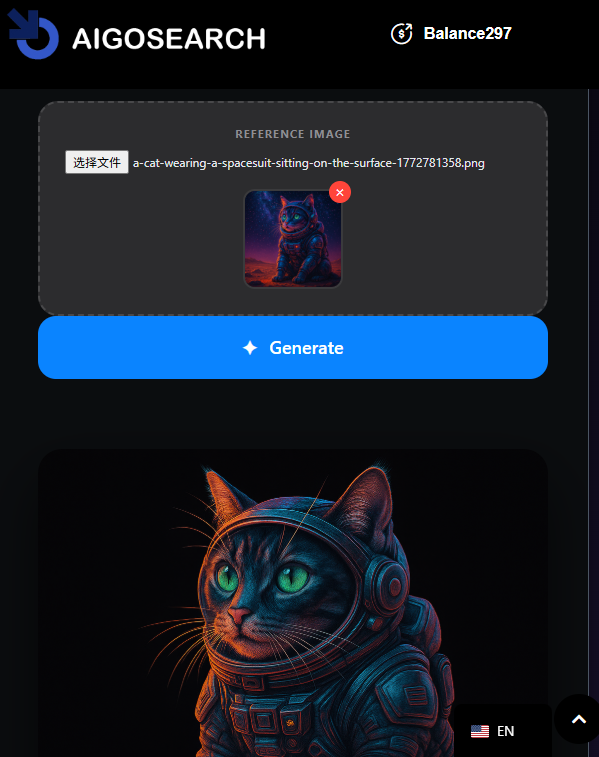
In the world of content creation, high-quality visuals are the most effective way to grab attention. In the past, we spent countless hours browsing stock image libraries or paying expensive licensing fees. Today, with Aigosearch, you can transform simple text descriptions into unique, stunning visuals in seconds.
Step 1: Ignite Your Imagination
In the Aigosearch interface, locate the “Image Generation” module. You will find a clean, intuitive input field—this is where your “magic spells” (prompts) come to life.
Enter Your Description: For example, “A cat wearing a spacesuit, sitting on the surface of Mars, with a vast starry sky in the background, cyberpunk style, 8k resolution.”
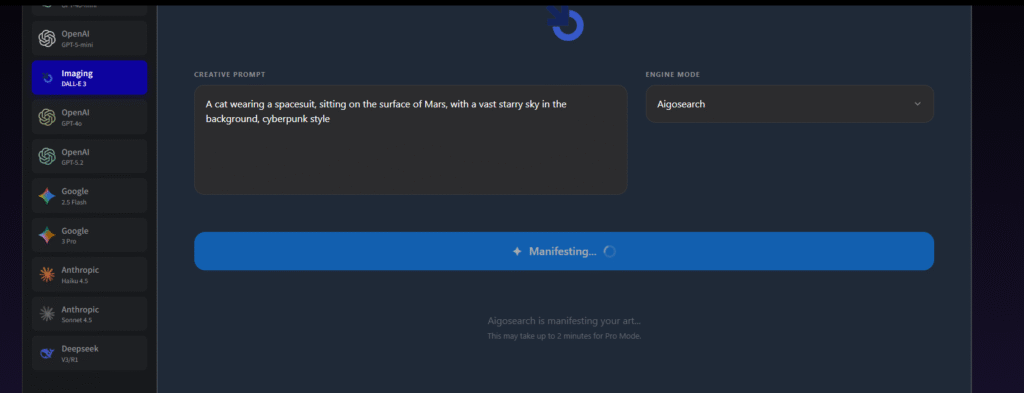
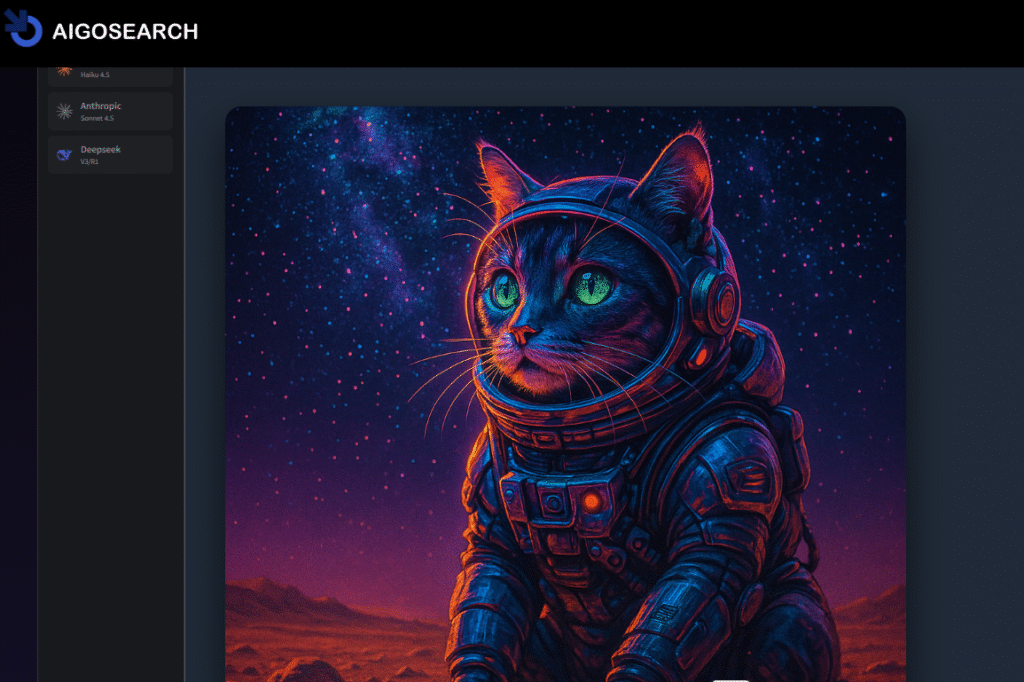
Enter Pro Mode: Switch the Engine Mode dropdown to Aigosearch (PRO).
Upload Reference: Select the image you want to evolve from your device and upload it to the Reference Image section.
Refine your prompt: remove background.
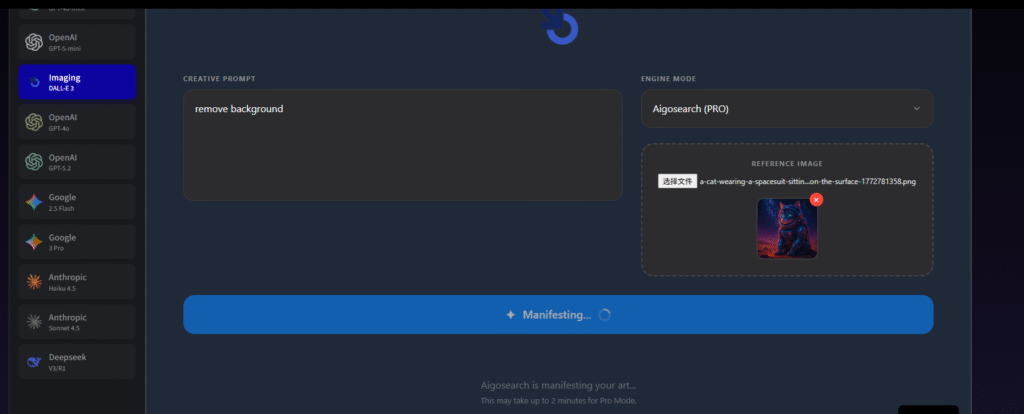
Finally, it completed the task of removing the background.